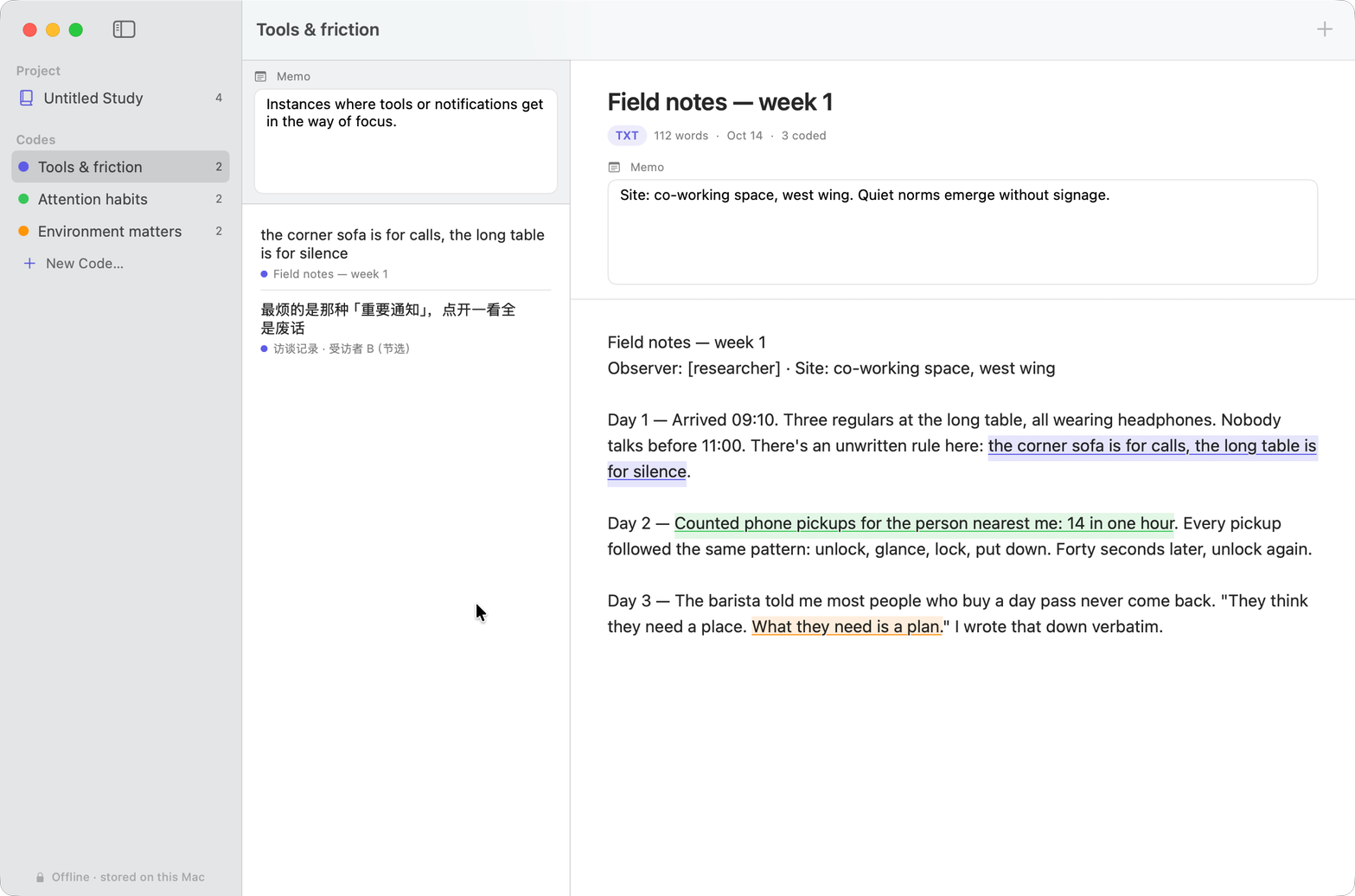
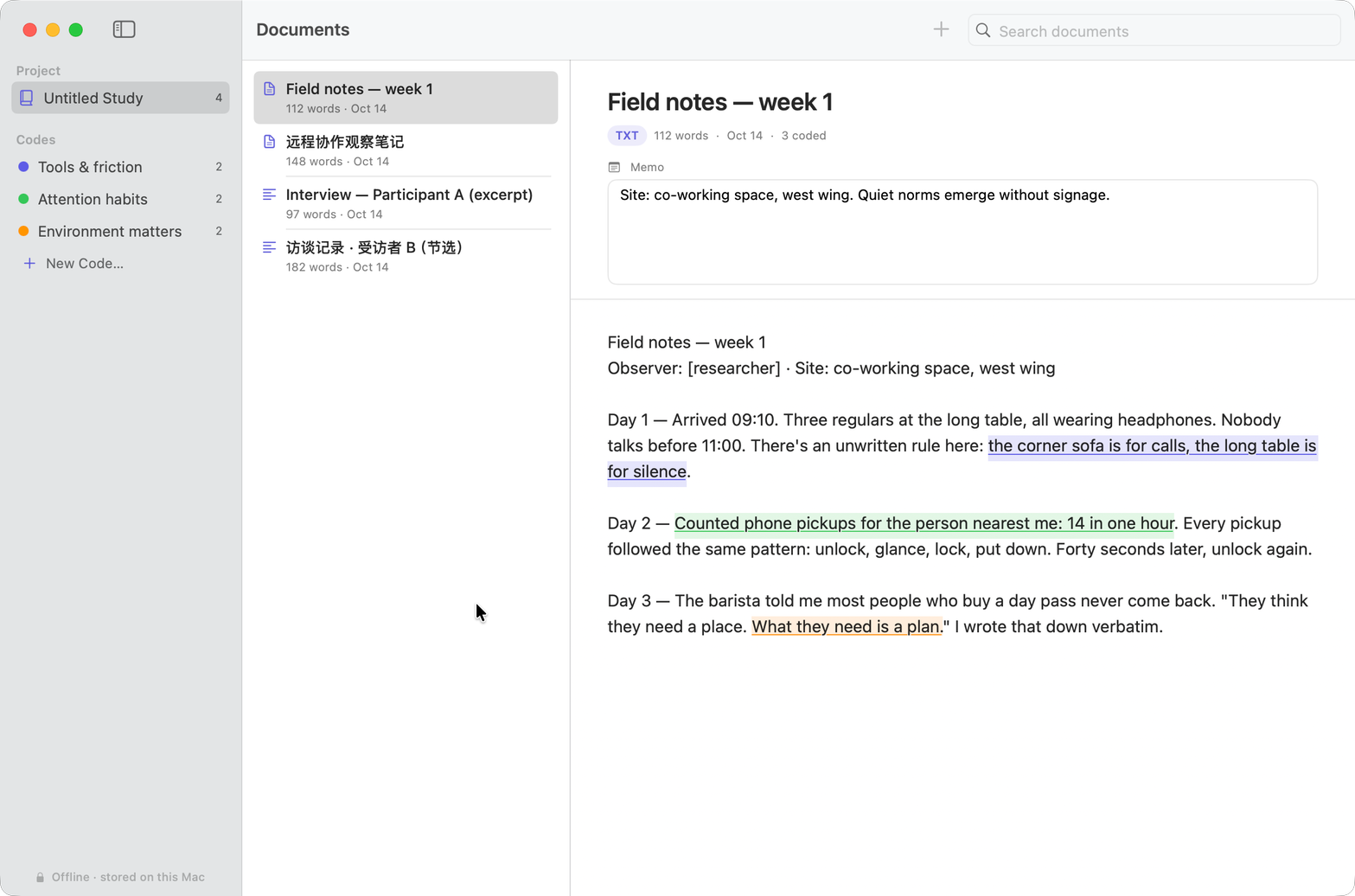
Built for the actual work: read, code, retrieve, write up. No cloud, no accounts, no subscription.
Import anything
txt, Markdown, Word (.docx), RTF — or paste text straight in. Chinese encodings handled. Dropping a folder imports everything inside.
Code in seconds
Select a passage, hit “Add Code”, and pick from your code list — or create a new code on the spot. Highlights paint themselves.
Follow every thread
The heart of it: click a code and jump to any of its excerpts — Weft takes you to the exact passage and flashes it in place.
A living code system
Nine-color palette, drag a code onto another to nest it, merge duplicate codes — the codebook stays tidy as the analysis grows.
Memos where you think
Analytical notes live on the code and on the document — right where you’re reading, never in a separate pile to maintain.
Reports that write themselves
Export every coded quote as CSV, Markdown, or styled HTML — grouped by code, ready for the write-up.